Organizing Family Photos by the Rooms Where Life Happened
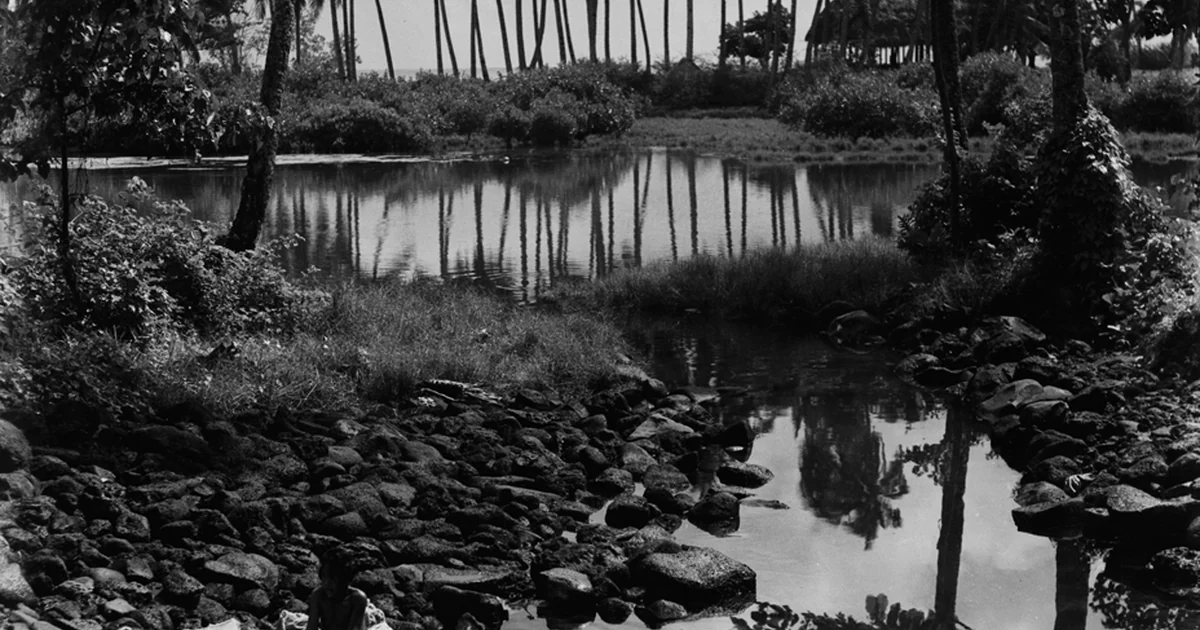
Most family photo collections grow in a messy way. Phones fill up, camera cards pile in a drawer, and years of images land in one enormous folder with names like IMG_4471. Sorting by date is the usual fix, but dates often tell you less than you expect. Two photos taken a week apart might show completely different family routines, while a photo from a vacation and one from a rainy Tuesday at home can share the same mood. This article offers a different starting point: sort by place, meaning the physical spaces and settings where family life actually happened. Place-based sorting is a practical way to rebuild a memory archive that feels like a home rather than a filing cabinet.
Why Places Work Better Than Dates for Everyday Memories
Dates are precise, but they are not very evocative. When you open a folder labeled March, you have to guess what happened that month. A folder labeled kitchen table or balcony at dusk tells you immediately what kind of moment to expect. Places carry routines: the couch where everyone piles in on movie nights, the hallway where a pet waits at the door, the car where road trip conversations happened. Organizing by place lets these recurring settings anchor your archive.
Place-based sorting also helps when your collection mixes home life and travel. A beach photo and a kitchen photo can sit side by side in an index of settings without forcing you to decide which one is more important. The archive becomes a map of where your family spent its time.
Building Your First Set of Place Categories
Start by listing the settings that appear most often in your photos. Walk through a sample of about fifty images and note where each one was taken. You will likely find a short list of recurring places: the living room, a favorite café, the car, the park near home, a relative's house, and a few destinations you have visited more than once. Keep the list short at first, perhaps eight to twelve categories. You can always split a category later.
Give each category a plain name that someone unfamiliar with your family could understand. Descriptive names like back porch or grandma's kitchen work better than codes. For travel, consider naming places by the stop rather than the country, because the stop is what you will remember. Write the category list down in one place so that anyone in the household can use it.
A Practical Method for Sorting Existing Photos
Work in small batches. Choose one year or one storage source, such as a phone backup or a set of printed photos, and sort it in a single sitting of about thirty to sixty minutes. For each photo, decide on its primary place. If a photo could belong to two categories, pick the one that best captures the feeling of the moment and note the secondary place in a spreadsheet or a simple text file.
Keep a running index as you go. A basic table with three columns works well: file name or print number, primary place, and a short description. The description matters because it preserves context that the place alone might lose, such as who was there or what was happening. You do not need to describe every detail. A line like First snow on the balcony, the dog refused to go out is enough.
When you finish a batch, review the categories. If one folder has grown very large, consider splitting it by season or by a sub-setting. If a category has only two or three photos, consider merging it with a related one. The goal is a structure you can browse without frustration.
Questions to Ask Before You Commit to a System
Before settling on a place-based archive, it is worth asking several practical questions. Who will use the archive? If children or relatives will browse it, the category names should be intuitive to them. How will new photos get added? If you take most pictures on a phone, decide whether you will sort them weekly or in periodic sessions. Where will the index live? A shared document is easy to update but may need a clear owner. What format will the photos be stored in, and do you have a backup plan? Any storage method should include copies in more than one location, and it is wise to review how each service you use handles originals, compression, and deletion.
Ask also whether the system fits your habits. A detailed index is valuable only if you will keep it up. If you know you rarely return to spreadsheets, a simpler approach, such as one labeled folder per room with a short text note inside each, may serve you better.
A Simple Checklist for Getting Started
To begin, choose one photo source and one time period. Gather the photos into a single working folder. List eight to twelve place categories that match your recurring settings. Sort the first fifty images, writing a one-line description for each. Review the categories and adjust names or merge small groups. Decide where the index will be kept and who else needs access. Set a reminder to add new photos to the archive once a month or after each trip. Finally, confirm that you have at least one additional copy of the sorted collection in a location separate from the original. Working through these steps in order turns an overwhelming pile into a navigable family memory archive, and the places where your family lived will carry the stories forward.